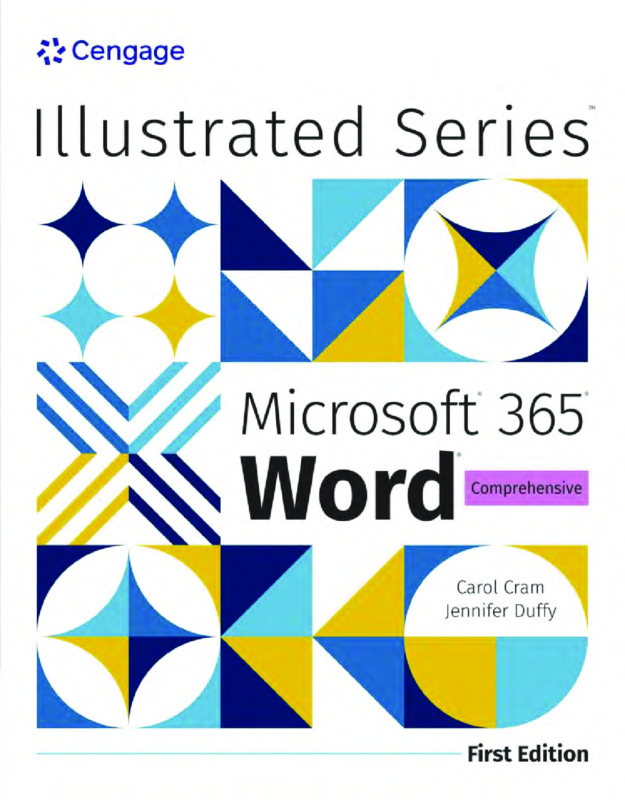
Illustrated Microsoft 365 Word Comprehensive 1st Edition By Jennifer Duffy, Carol Cram
$30.00
Secure checkout
Instant digital download
PDF document
Document details
- Pages
- 411
- File size
- 17 MB
- Format
- Digital PDF
- Category
- eBook[PDF]
Sign in or create a free account to continue. Your purchase will be saved in My Downloads.
About this ebook
Illustrated Microsoft 365 Word Comprehensive, 1st Edition by Jennifer Duffy and Carol M. Cram spans 11 core modules. The textbook covers essential Microsoft Word skills ranging from basic formatting to advanced document automation. [1, 2]
Covered Topics
The 11 modules cover foundational skills, text/graphic formatting, styles and building blocks, mail merges, collaboration, multi-page document development, forms, and automation. [1, 2]
Here is the detailed, module-by-module breakdown of the topics covered in the textbook.
Module 1: Creating Documents with Word
- Interface: Navigating the Word window, Ribbon, and Backstage view.
- Basics: Entering, selecting, and deleting text.
- Saving: Understanding file formats, saving, and auto-recovery.
- Output: Previewing pages and configuring print settings. [1, 2]
Module 2: Editing Documents
- Navigation: Using the Find and Replace commands and Go To feature.
- Clipboard: Cutting, copying, pasting, and using the Office Clipboard.
- Research: Utilizing the Thesaurus, Smart Lookup, and translation tools.
- Proofing: Running spell check, grammar check, and setting autocorrect options.
Module 3: Formatting Text and Paragraphs
- Fonts: Changing font types, sizes, colors, and text effects.
- Alignment: Setting left, right, centered, and justified text.
- Spacing: Adjusting line spacing and paragraph spacing parameters.
- Layout: Setting tabs, indents, borders, and shading.
Module 4: Formatting Documents
- Page Setup: Changing margins, page orientation, and paper size.
- Breaks: Inserting page breaks, section breaks, and column breaks.
- Headers/Footers: Adding page numbers, dates, and running headers.
- Design: Applying document themes, watermarks, and page borders.
Module 5: Working with Tables and Graphics
- Tables: Creating tables, inserting rows/columns, and merging cells.
- Table Styling: Applying table styles, borders, and formulas.
- Images: Inserting illustrations, online pictures, shapes, and icons.
- Formatting Layouts: Wrapping text around graphics and resizing images. [1]
Module 6: Working with Styles and Building Blocks
- Style Sets: Applying, modifying, and creating Quick Styles.
- Quick Parts: Creating and inserting reusable building blocks and text.
- Themes: Customizing theme colors, fonts, and global document effects.
Module 7: Merging Word Documents
- Mail Merge: Understanding main documents, data sources, and merged files.
- Form Letters: Creating customized mass mailings with merge fields.
- Labels & Envelopes: Formatting and printing bulk labels and envelopes.
Module 8: Collaborating on Documents
- Tracking: Turning on Track Changes, reviewing edits, and adding comments.
- Comparison: Comparing and combining multiple versions of a document.
- Protection: Restricting editing permissions and password-protecting files.
- Sharing: Co-authoring and saving documents directly to OneDrive.
Module 9: Structuring Multi-Page Documents
- References: Creating an automated Table of Contents, Index, and Bibliography.
- Citations: Inserting footnotes, endnotes, and managing source citations.
- Captions: Numbering figures and creating a Table of Figures.
- Master Documents: Managing subdocuments for large book-length projects.
Module 10: Creating Forms
- Developer Tab: Enabling advanced developer options in the Word Ribbon.
- Content Controls: Inserting text boxes, drop-down lists, and date pickers.
- Form Properties: Setting restrictions and testing interactive form fields.
Module 11: Automating Tasks with Macros
- Recording: Creating macros to automate repetitive formatting tasks.
- Execution: Assigning macros to custom Ribbon buttons or keyboard shortcuts.
- VBA Basics: Opening the Visual Basic Editor to view macro code.
File included
tmpphpVik5Uc
17 MB
Related ebooks